- Published on
Running Google Gemma 4 Locally with Ollama and Open WebUI
- Authors

- Name
- Prabakaran Thavamani
- @webtamizhan
Running Google Gemma 4 Locally with Ollama and Open WebUI
Introduction
Local AI is becoming more practical for developers, researchers, and teams who want a private assistant without depending fully on cloud-based LLM platforms.
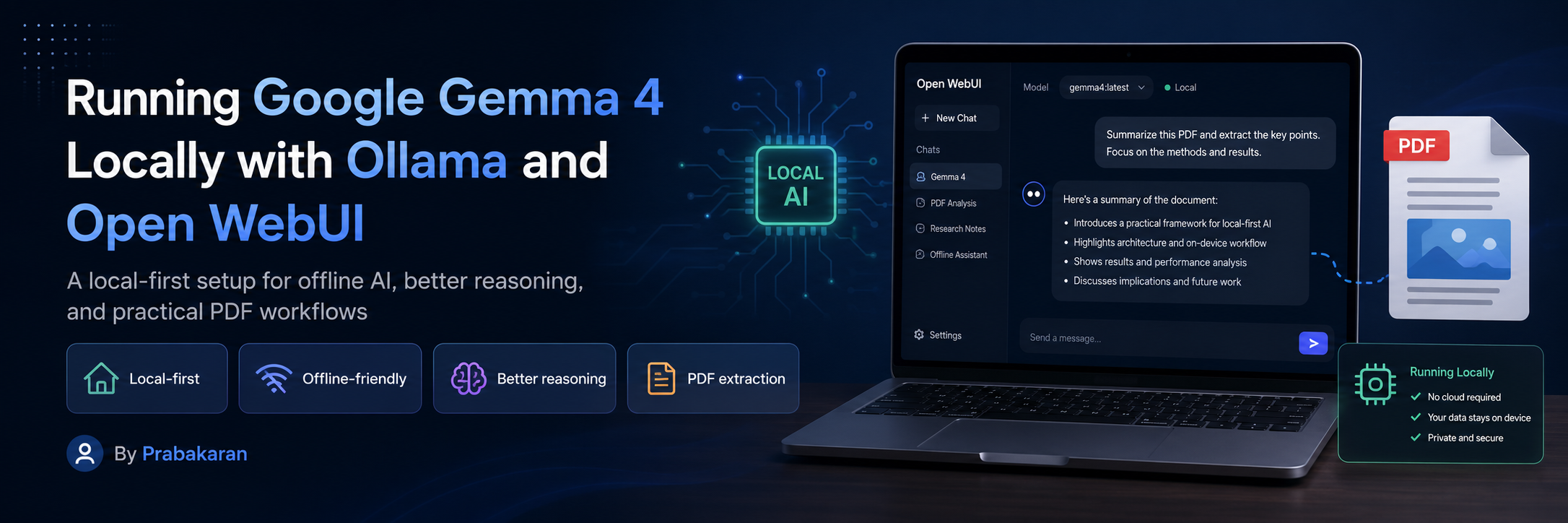
Recently, I tried Google Gemma 4 locally using Ollama and connected it with Open WebUI. The experience was quite good for a local-first workflow: it worked offline after the model was downloaded, gave better reasoning for day-to-day technical questions, and handled PDF/document extraction workflows surprisingly well.
This blog post is a simple walkthrough of what I tried, why it is useful, and where this setup fits best.
What is Google Gemma 4?
Gemma 4 is part of Google’s open model family designed for developers who want capable AI models that can run across different environments, including local machines and edge-friendly setups.
For this experiment, I used the model through Ollama as:
gemma4:12b
The main reason I wanted to try it was simple: I needed a practical local model that can support reasoning, document understanding, and everyday assistant workflows without always depending on external cloud APIs.
What is Ollama?
Ollama makes it easier to download and run LLMs locally. Instead of manually handling model files, runtimes, and serving setup, Ollama gives a clean command-line workflow.
A simple model pull looks like this:
ollama pull gemma4:12b
Once downloaded, the model can be started locally:
ollama run gemma4:12b
This makes Ollama a good choice for testing open models quickly on a personal machine or internal development server.
What is Open WebUI?
Open WebUI is a self-hosted web interface for working with local and cloud AI models. It gives a ChatGPT-like interface for models running through providers such as Ollama.
The biggest benefit is that it makes local models easier to use. Instead of using only terminal commands, you get:
- Chat interface
- Model switching
- Conversation history
- PDF and document upload workflows
- Notes and workspace-style usage
- Local-first assistant experience
My Local Setup
The setup I used was simple:
- Install Ollama
- Pull the Gemma 4 model
- Run Open WebUI
- Connect Open WebUI with Ollama
- Start testing chat, reasoning, PDF extraction, and code-related workflows
A common Docker-based Open WebUI setup with Ollama looks like this:
docker run -d \
  -p 3000:8080 \
  -v open-webui:/app/backend/data \
  --name open-webui \
  --restart always \
  ghcr.io/open-webui/open-webui:main
After Open WebUI is running, it can connect to the local Ollama instance and list the downloaded model.
Testing Gemma 4 with Web Fetching and Reasoning
One of the tests I tried was asking the model to fetch and summarize technical documentation.
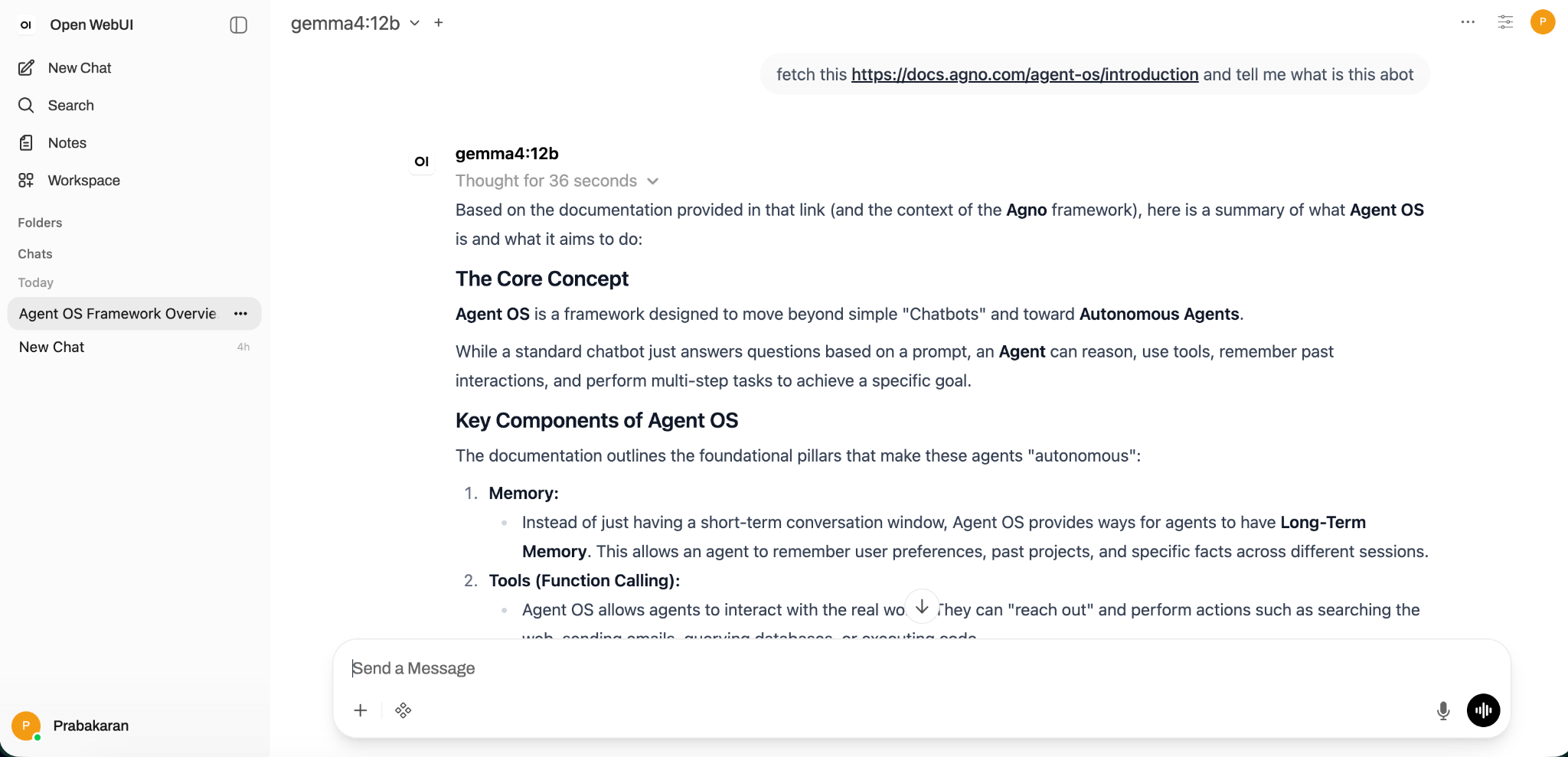
In this example, I asked Gemma 4 to fetch an Agent OS documentation link and explain what it is about. The response was clear, structured, and useful. It explained the concept, highlighted the key components, and gave a practical summary.
This was a good sign because local models are often judged by how well they can move beyond short answers and provide structured reasoning.
Testing Code Explanation and Artifact Preview
I also tested a frontend-related prompt where the model explained a sticky header behavior and produced a preview-style output.
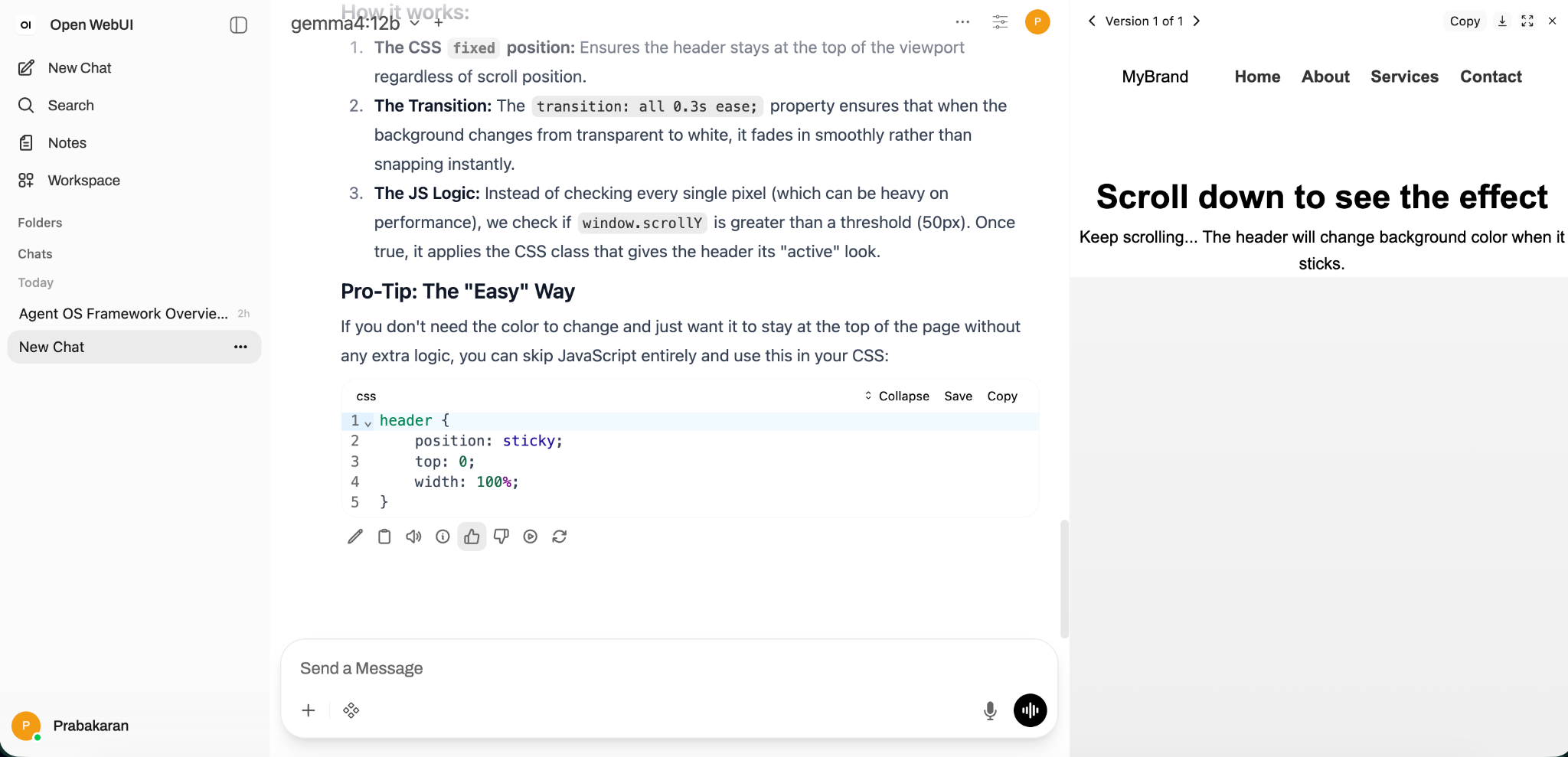
The model explained the CSS and JavaScript logic clearly. It also produced a simple artifact preview, which made the workflow feel more practical for development and learning use cases.
For quick frontend experiments, documentation summaries, and code explanations, this setup felt useful.
PDF Extraction Experience
The most useful part for me was trying document/PDF workflows.
With Open WebUI, I could upload documents and ask the model to summarize or extract key information. For local-first usage, this is powerful because sensitive PDFs do not always need to be sent to an external cloud model.
A few examples of useful prompts:
Summarize this PDF and extract the key points.
Extract the important sections from this document and return them as bullet points.
Read this PDF and identify the main requirements, risks, and action items.
Convert this document into a structured JSON summary.
The output quality depends on the PDF quality, extraction pipeline, model size, and available hardware. But for many normal documents, the experience was good enough for local research and productivity workflows.
Why This Setup is Useful
Local-First by Design
Once the model is downloaded, the workflow can run locally. This is useful when internet access is limited or when you want more control over your data.
Better Privacy
For internal notes, PDFs, drafts, and experimental documents, a local setup gives better control compared to sending everything to a hosted API.
Good for Developer Workflows
Gemma 4 with Open WebUI can help with:
- Code explanation
- Documentation summaries
- Technical Q&A
- PDF extraction
- Requirement understanding
- Drafting notes
- Local research workflows
Offline-Friendly
After the required tools and models are installed, the model can be used without depending on an internet connection for every prompt.
Simple UI Experience
Open WebUI makes the setup more accessible. You do not need to run every prompt from the terminal. The interface is clean and works well for regular usage.
Example Prompts I Tried
Documentation Understanding
Fetch this documentation URL and explain what this framework is about.
PDF Summary
Summarize this PDF and extract the key business points.
Code Help
Explain this CSS and JavaScript logic in simple terms.
Structured Output
Extract the document contents into JSON with title, summary, key points, and action items.
Local Assistant Usage
Act as a local technical assistant and help me understand this document step by step.
Best Use Cases
This setup is especially useful for:
- Developers testing local AI models
- Teams exploring private AI assistants
- Reading and summarizing PDFs locally
- Learning and explaining code
- Drafting technical notes
- Offline research workflows
- Quick internal experiments before moving to production AI systems
Limitations
This is not a complete replacement for every cloud LLM workflow.
Some limitations I noticed:
- Performance depends heavily on your machine
- Large PDFs can be slower
- Very complex reasoning may still be better on larger hosted models
- Model responses should still be reviewed before production use
- Document extraction quality depends on the PDF structure and text clarity
- Multimodal and tool behavior can vary based on the local setup
Recommended Best Practices
- Use smaller prompts first, then ask follow-up questions
- Keep PDFs clean and text-readable where possible
- Ask for structured output when extracting from documents
- Use JSON format when you need predictable results
- Keep Ollama and Open WebUI updated
- Test multiple model sizes before deciding what fits your machine
- Do not assume local output is always correct; review important answers
Simple Local Workflow
A practical daily workflow can look like this:
- Start Ollama
- Open Open WebUI
- Select
gemma4:12b - Upload a PDF or ask a technical question
- Ask for summary, key points, risks, or JSON output
- Review the answer and refine with follow-up prompts
This makes the setup very useful as a private local assistant.
Conclusion
Using Google Gemma 4 with Ollama and Open WebUI was a good local-first AI experience. It worked well for offline usage, technical reasoning, PDF extraction, document summarization, and simple coding help.
For developers and teams exploring private AI workflows, this is a practical setup to try before depending fully on hosted models. It gives a clean balance between local control, usability, and useful reasoning capability.
If you want a simple local AI assistant for documents, coding help, and research workflows, Gemma 4 + Ollama + Open WebUI is worth trying.
References
- Gemma 4 on Ollama: https://ollama.com/library/gemma4
- Google Gemma with Ollama: https://ai.google.dev/gemma/docs/integrations/ollama
- Open WebUI: https://openwebui.com
- Open WebUI Ollama Setup: https://docs.openwebui.com/getting-started/quick-start/connect-a-provider/starting-with-ollama/